Set up automatic actions
Automatische acties (automatic actions) are the rule engine that turns case events into tasks, notifications, and follow-up transitions. A rule fires on a trigger (a status change, a deadline crossing, a document upload), evaluates a condition (always, or only when a field matches), and runs an action (create a task, send an email, transition the case, post to an integration).
Goal
By the end you will have created an automatic action that fires on a specific status transition and creates a task assigned to a role on the case.
Prerequisites
- Administrator role on the Nextcloud instance.
- At least one case type configured (see Configure case types and workflows).
- A clear idea of which trigger / condition / action you want to chain.
Steps
-
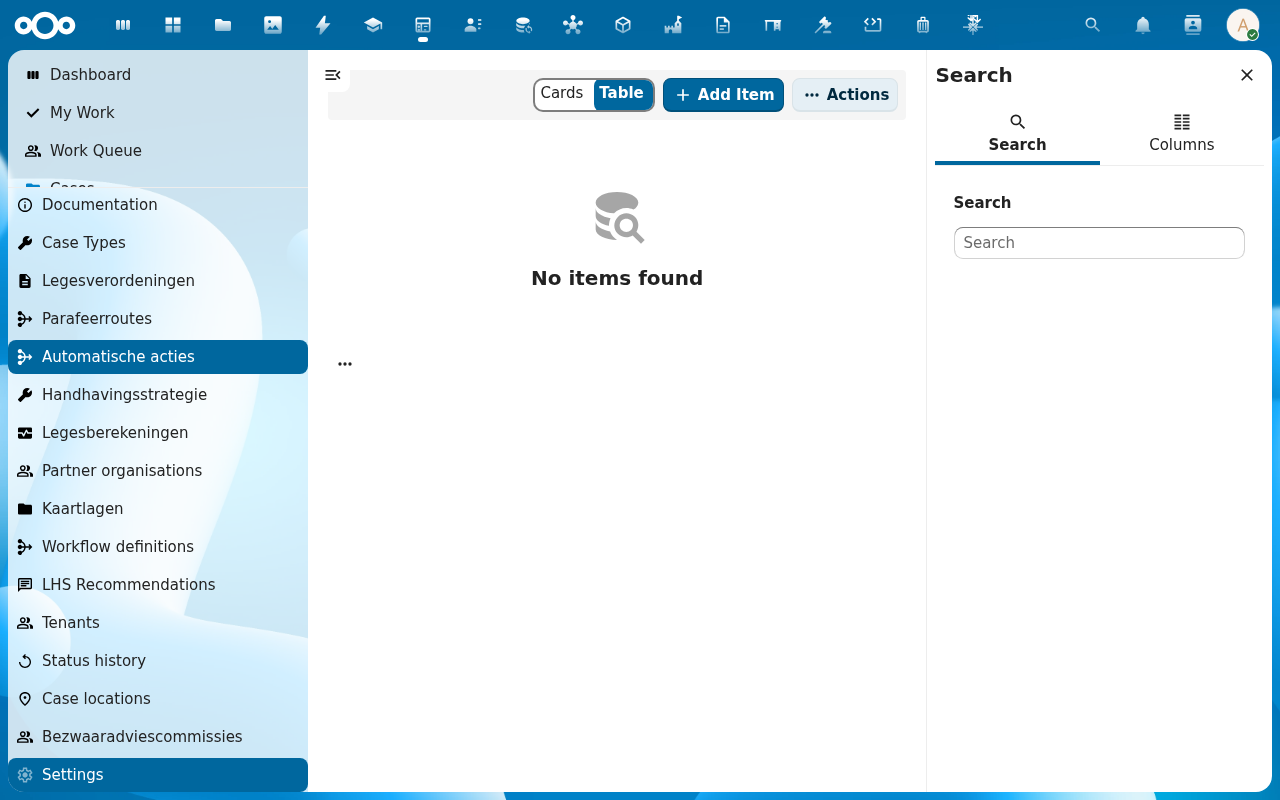
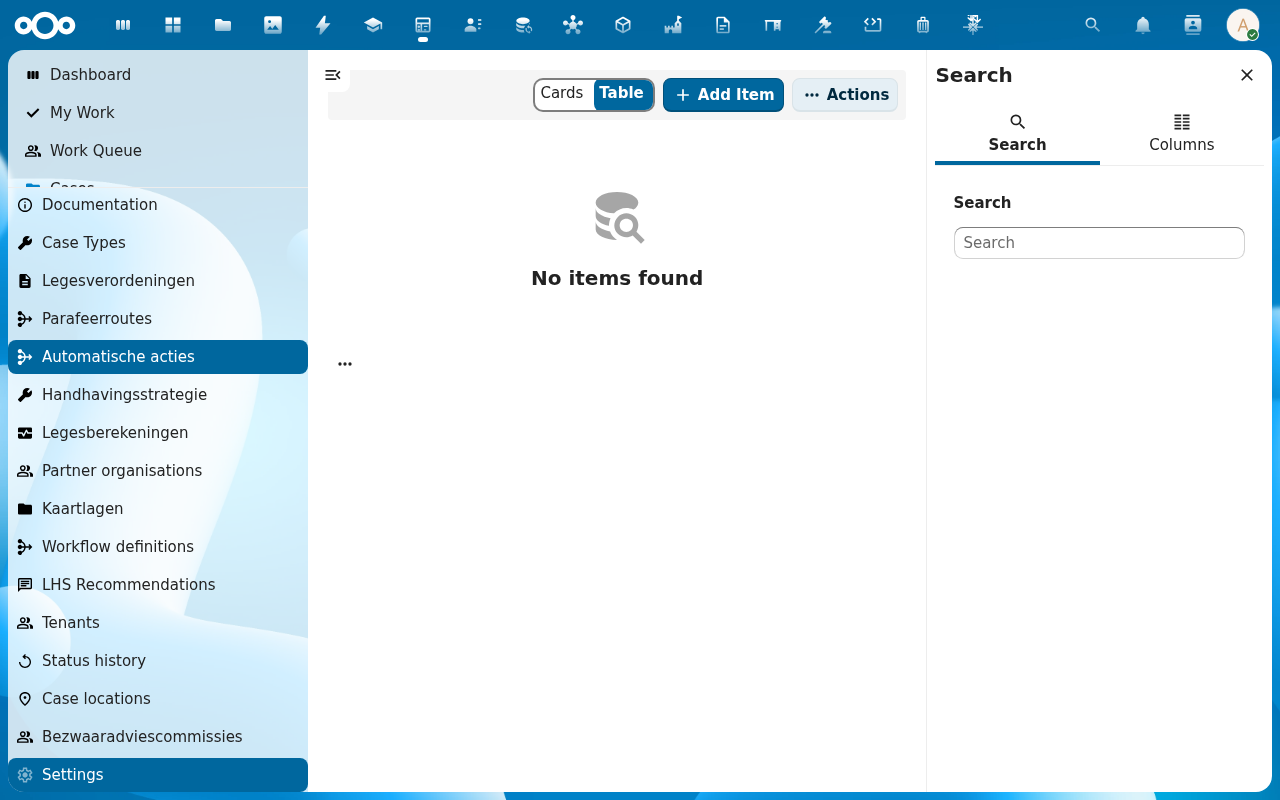
From the Procest navigation, click Automatische acties (in the configuration block). The list opens with the standard Cards/Table toggle and an Add Item button.
-
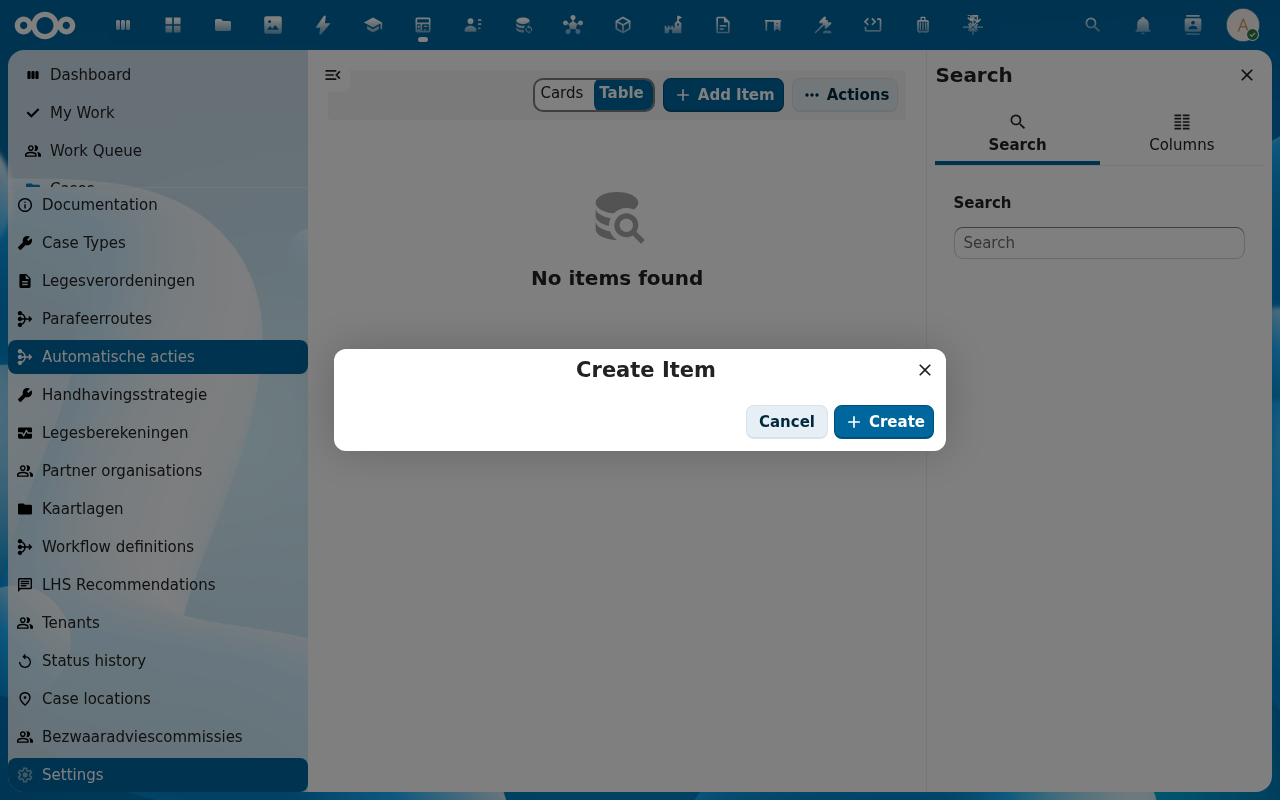
Click Add Item. The rule dialog opens with four sections: Algemeen (name, description, active toggle), Trigger, Condition, Action.
-
Set the Trigger. Pick Status change and select the case-type plus the source and target statuses. Other triggers include Deadline approaching, Document uploaded, Case created, Case closed.
-
Set the Condition (optional). Leave blank for "always fire" or add a field match (e.g. Confidentiality = Public) so the rule only fires on matching cases. Conditions support AND/OR groups.
-
Set the Action. Pick Create task, fill the task title, description, assignee role, and due-date offset. Save the rule with Save. Confirm the rule is Active in the list: only active rules fire.
Verification
You have set up the action correctly when: triggering the configured status transition on a test case produces the new task in the case's Tasks sidebar tab, the task is assigned to the configured role, and the rule's Last run column in the Automatische acties list updates to the most recent fire time.
Common issues
| Symptom | Fix |
|---|---|
| Rule is configured but never fires | The rule's Active toggle is off, or the trigger case-type does not match the case-type you tested on. |
| Task is created but unassigned | The configured assignee role is not present on the case; add it to the case's Participants or update the rule to use a role that exists. |
| Action runs but no notification arrives | The notification action uses Nextcloud's mail; SMTP must be configured at the server level (the dev environment intentionally disables outgoing mail: see PROJECT MEMORY notes on mail). |
| Condition does not match what you expect | Open the rule's Last run details: the recorded field values clarify why the condition skipped. |
Reference
- Configure case types and workflows: defines the triggers (statuses, deadlines).
- Case management: the underlying event stream rules listen to.