Handle an objection (bezwaar)
Procest implements the Dutch bezwaar-beroep workflow as a first-class flow. A bezwaar is an objection to an earlier decision; it gets routed to a bezwaaradviescommissie (BAC) which produces an advies, after which the authority records a beslissing op bezwaar. Each step has its own list in the navigation.
Goal
By the end you will have opened a bezwaar from the Bezwaren list, walked it to the BAC-advies stage, and seen the corresponding beslissing op bezwaar row appear in its list.
Prerequisites
- Completed Move a case through its workflow.
- A bezwaar in the register (you can register one from the Bezwaren list with Add Item, or one was filed against an existing decision).
- A bezwaaradviescommissie configured under Bezwaaradviescommissies (see Bezwaar-beroep workflow).
Steps
-
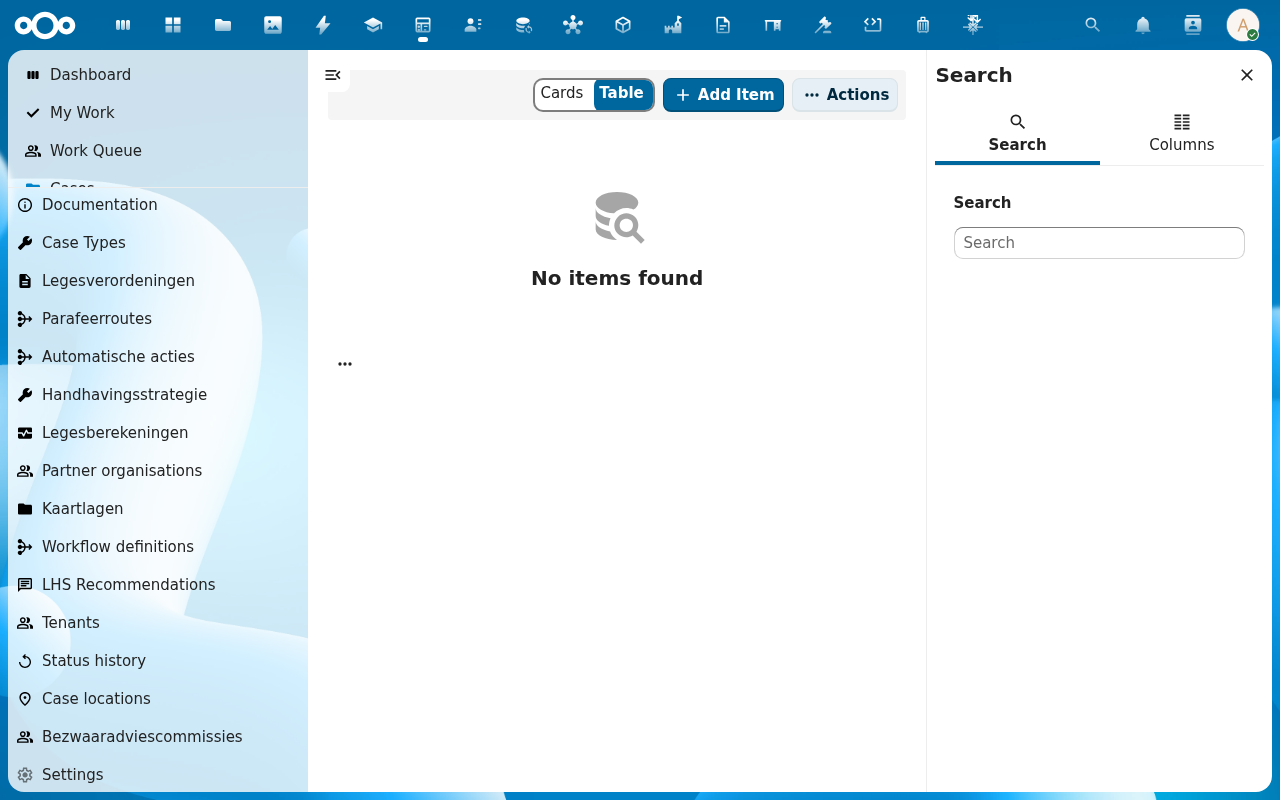
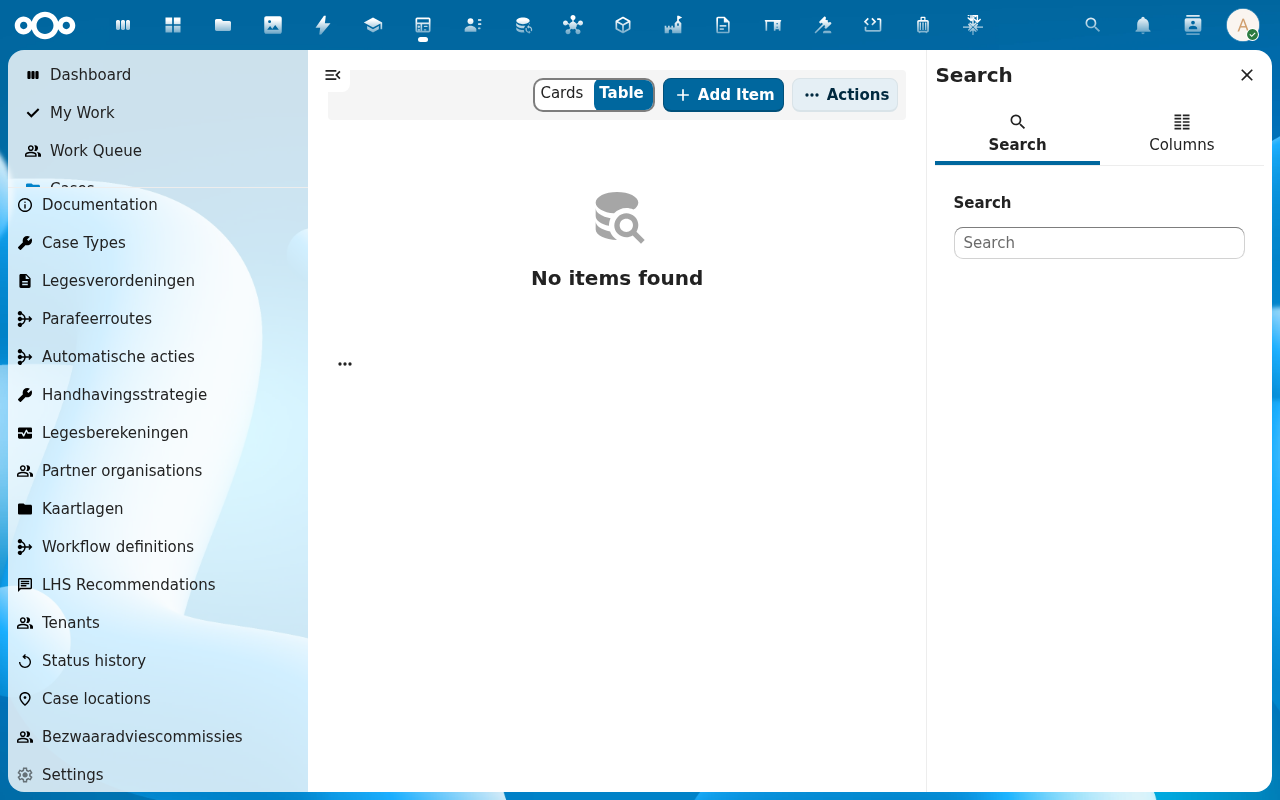
From the Procest navigation, click Bezwaren. The list opens with the same Cards/Table toggle as the regular case list. Click a bezwaar to open it.
-
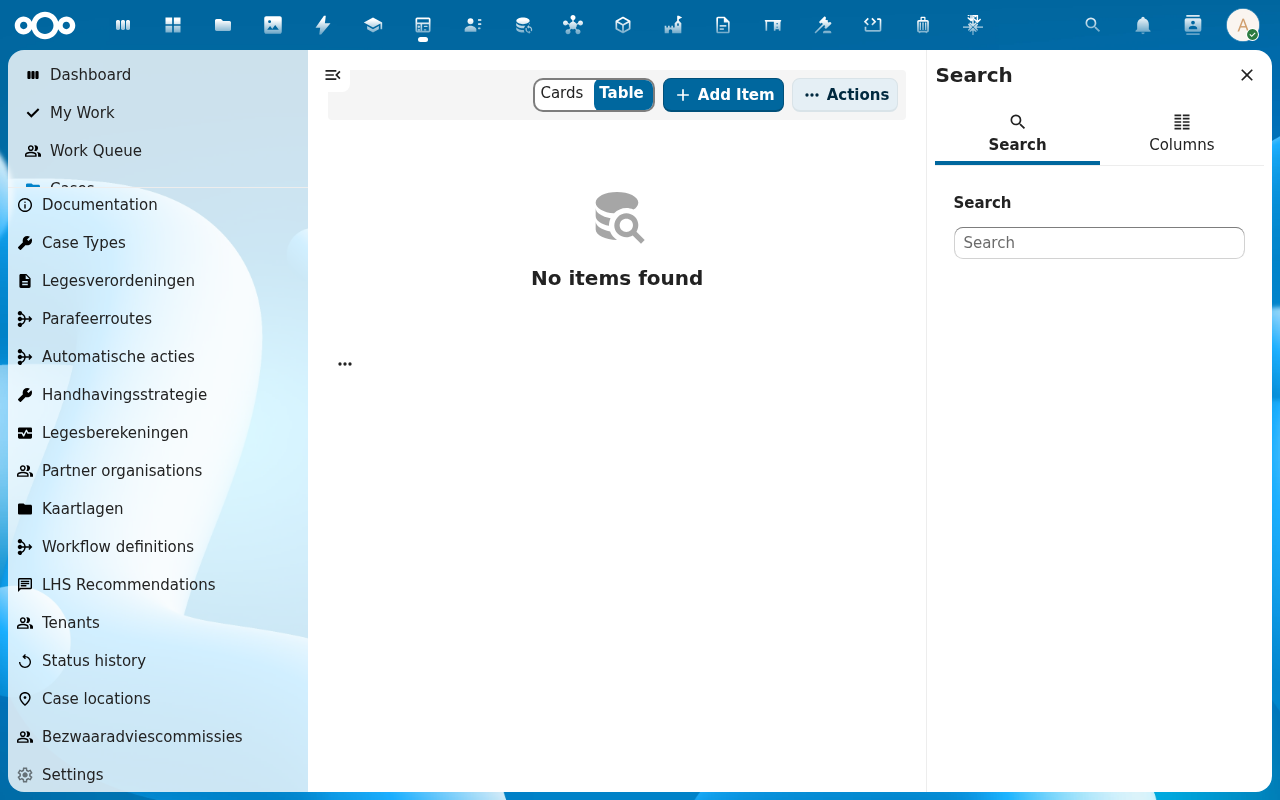
On the bezwaar detail page, click Route to BAC (or transition status via the header pill to Naar BAC). A row is created in BAC-adviezen with this bezwaar as parent.
-
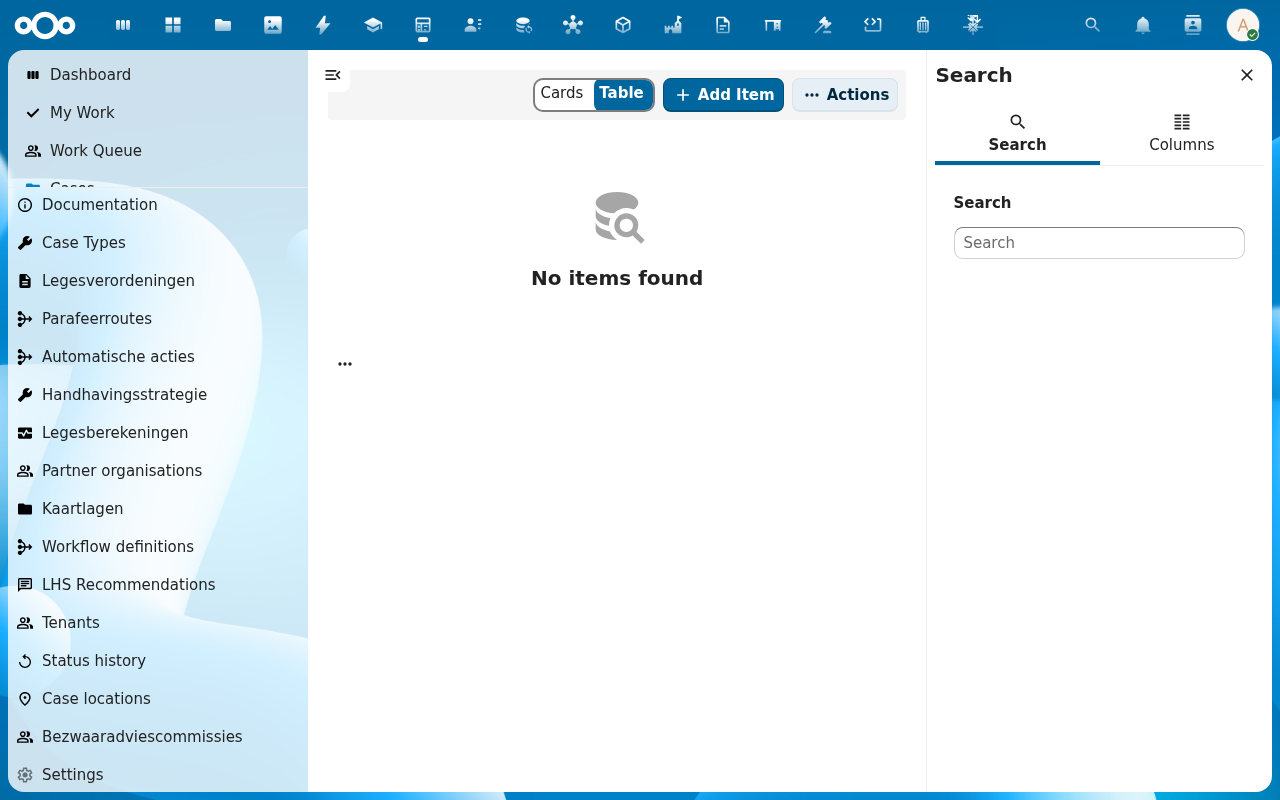
From the navigation, click BAC-adviezen. The new request shows up as Open. Click it to record the committee's advisory: Outcome, Motivation, Hearing date. Save.
-
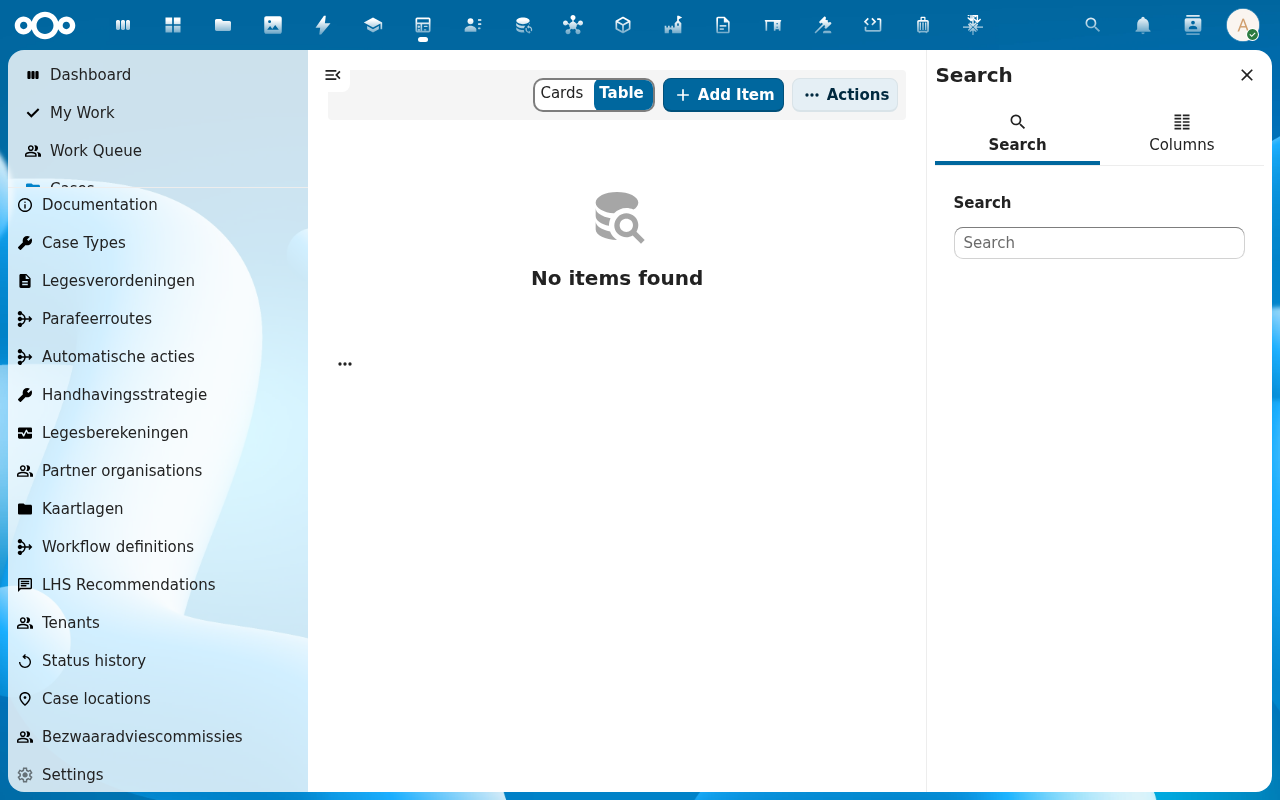
Back on the bezwaar, click Record beslissing op bezwaar. A dialog opens: pre-filled with the BAC advisory outcome as a default. Adjust if the authority departs from the advisory, add a motivation, and save.
-
The bezwaar's header reflects the new outcome; Beslissingen op bezwaar in the navigation lists the new row. The decision is final unless escalated to beroep (see the Beroepen list).
Verification
You have handled the bezwaar correctly when: a row exists in BAC-adviezen referencing the bezwaar, a row exists in Beslissingen op bezwaar with the recorded outcome, and the bezwaar's header shows the closing status (e.g. Afgewezen / Toegewezen / Gegrond).
Common issues
| Symptom | Fix |
|---|---|
| Route to BAC is missing | The current status of the bezwaar does not permit it: transition to a status that has Naar BAC as an allowed next step. |
| BAC-advies form fields are empty | The Advice schema is not mapped to the bezwaar register: see Manage Procest settings. |
| Beslissing op bezwaar opens but does not pre-fill from BAC advice | The BAC advisory has not been saved as Afgerond; reopen it and finalise before recording the decision. |
Reference
- Bezwaar-beroep workflow: the full objection / appeal flow.
- Besluitvorming workflow: the underlying advisory-to-decision pattern.