Run an inspection checklist
Procest's Handhavingsstrategie (enforcement strategy) module turns the LHS (Landelijke Handhavingsstrategie) matrix into an interactive checklist. Inspectors record observations against the matrix; Procest looks up the recommended sanction; the inspector can override with a motivation.
Goal
By the end you will have opened a case that requires inspection, run through the LHS checklist, received a recommended sanction, and recorded an override if you departed from the recommendation.
Prerequisites
- Completed Open and read a case.
- An LHS matrix configured under Handhavingsstrategie (an admin sets this up: see Bezwaar-beroep workflow and the LHS feature page).
- A case-type that triggers the LHS workflow (typically Toezicht or Handhaving).
Steps
-
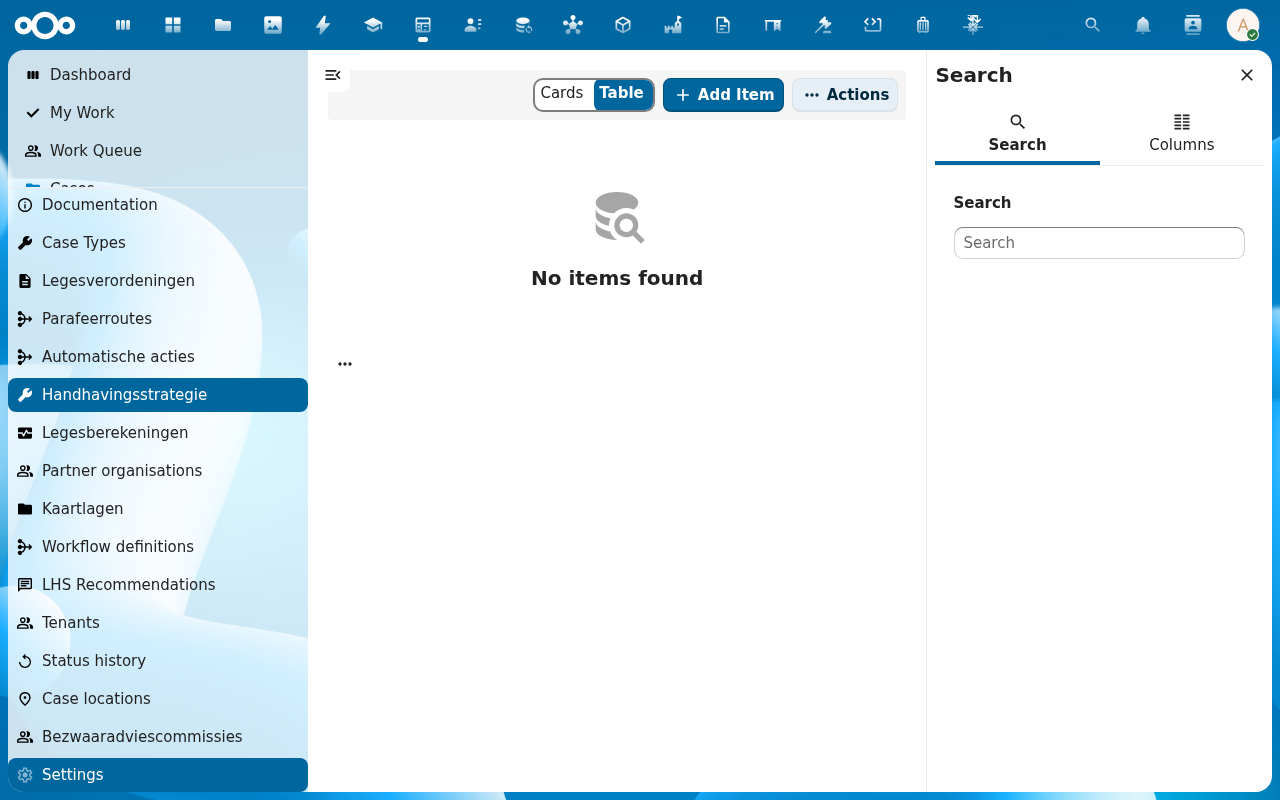
Open the case from Cases or My Work. On the sidebar, pick the Inspection tab (or click Start checklist from the Actions menu). The checklist renders the matrix's axes: typically Gedrag van de overtreder on one axis and Gevolgen van de overtreding on the other.
-
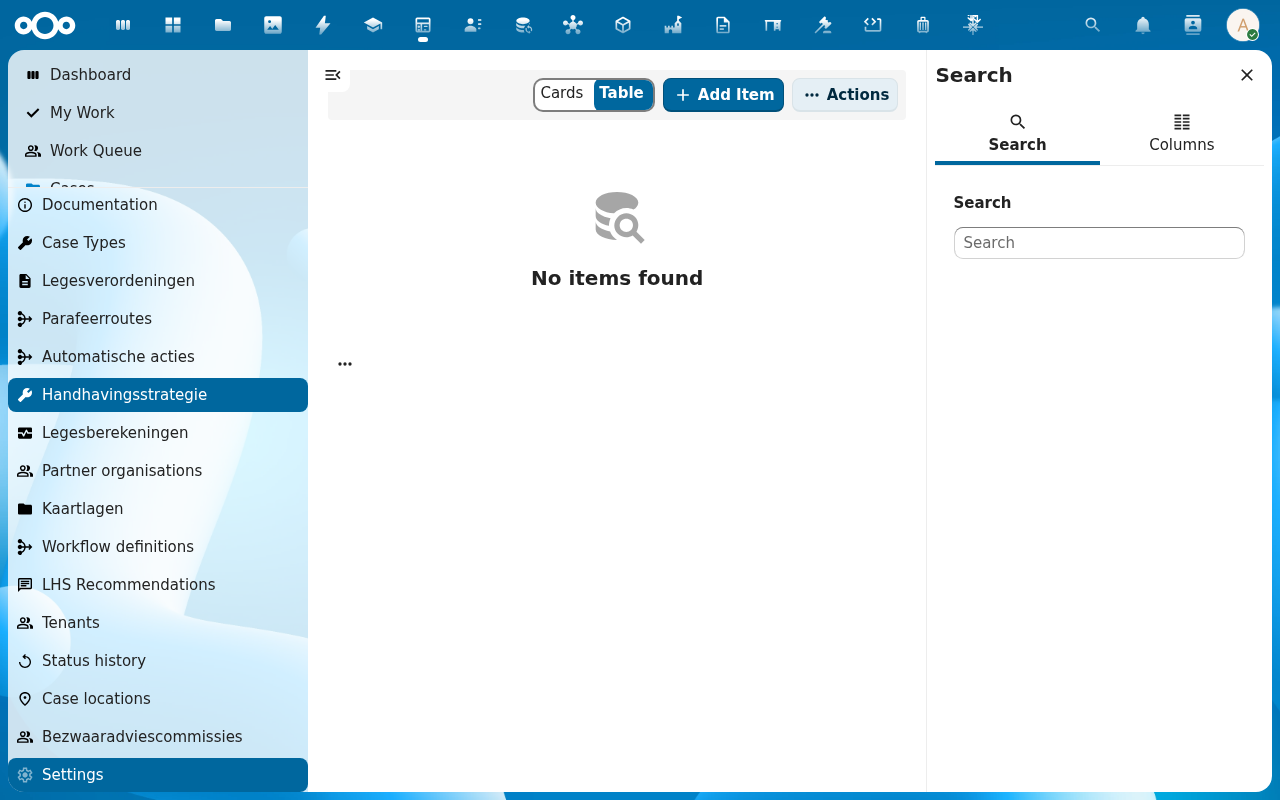
Record an observation on each axis. The matrix is a 4×4 grid; the inspector picks one cell per axis. Add notes per cell: these become part of the case audit trail.
-
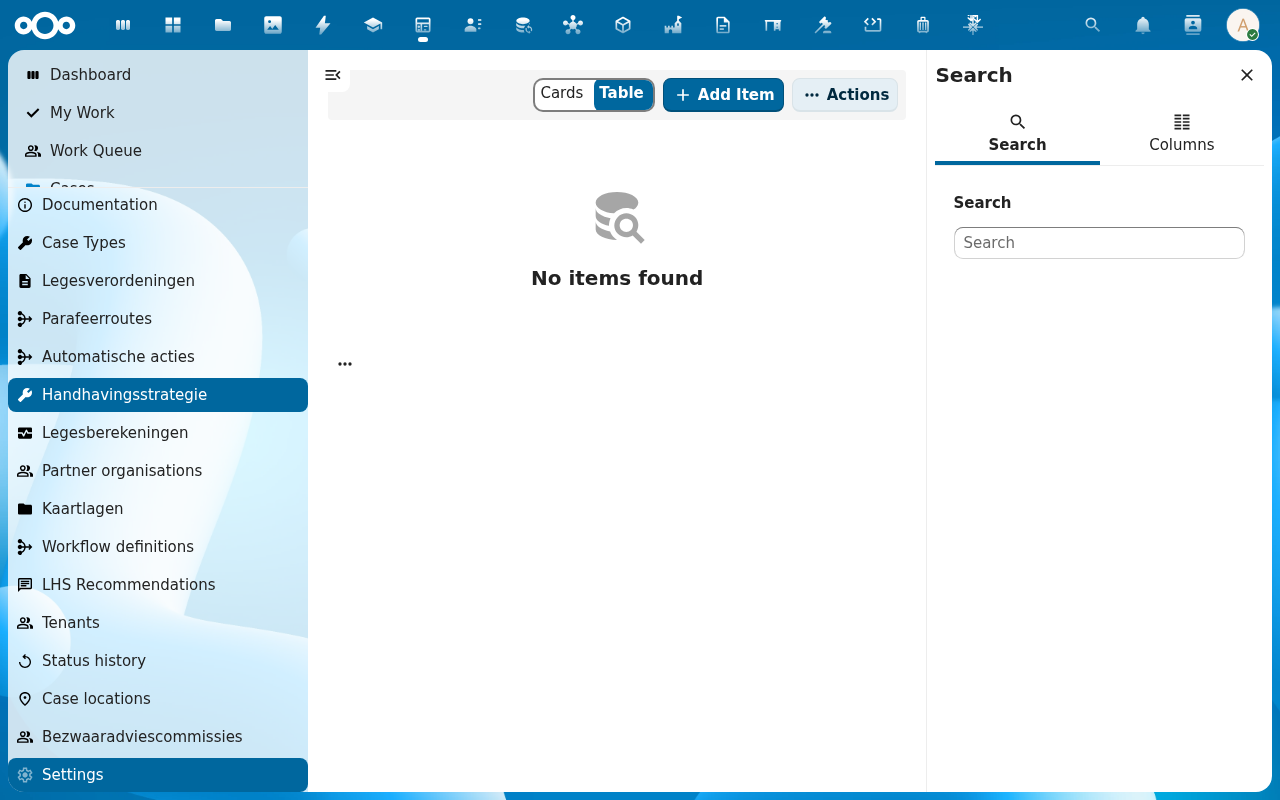
Click Get recommendation. Procest looks up the recommended sanction from the configured matrix: usually one of Waarschuwing, Bestuurlijke boete, Last onder dwangsom, Bestuursdwang. The recommendation is shown with its reasoning.
-
If you accept the recommendation, click Accept. The case transitions to the matching sanction status. If you depart, click Override, pick the alternative sanction, and add a motivation: required, because overrides need to be defended on appeal.
-
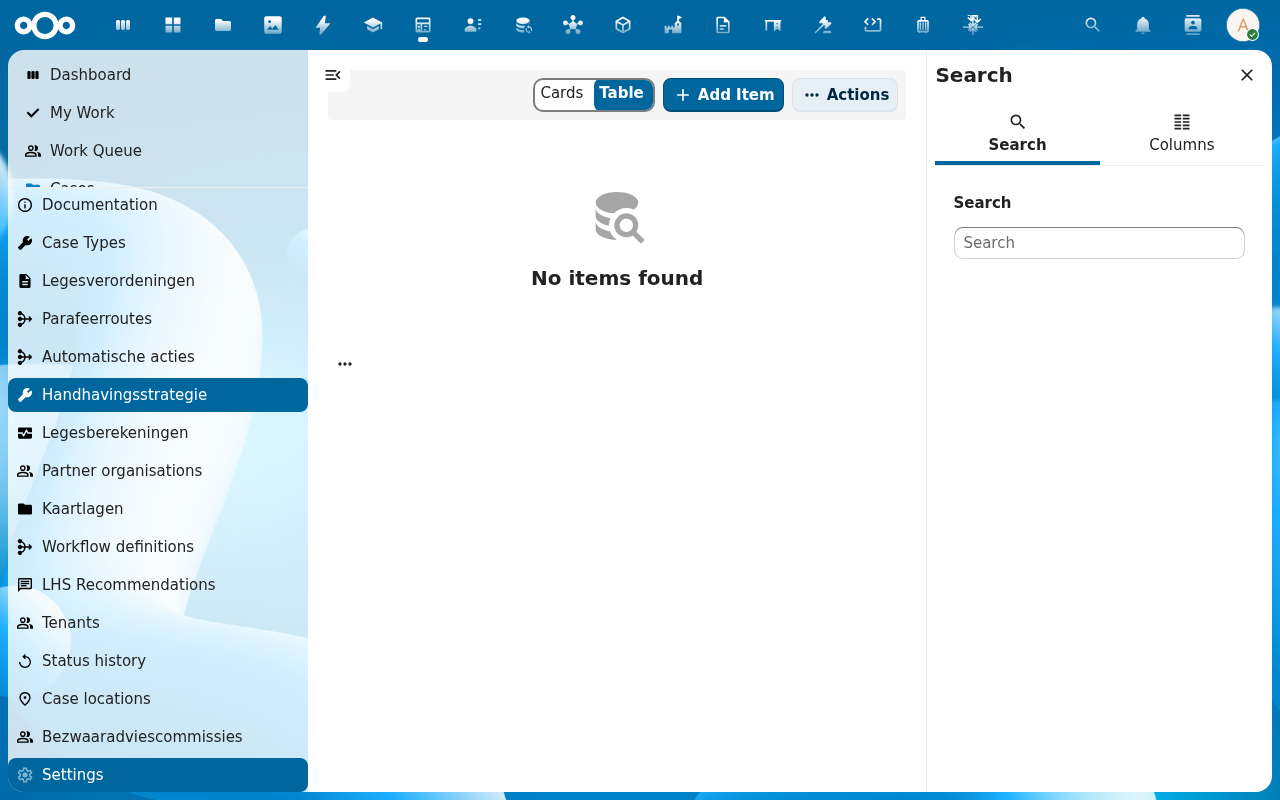
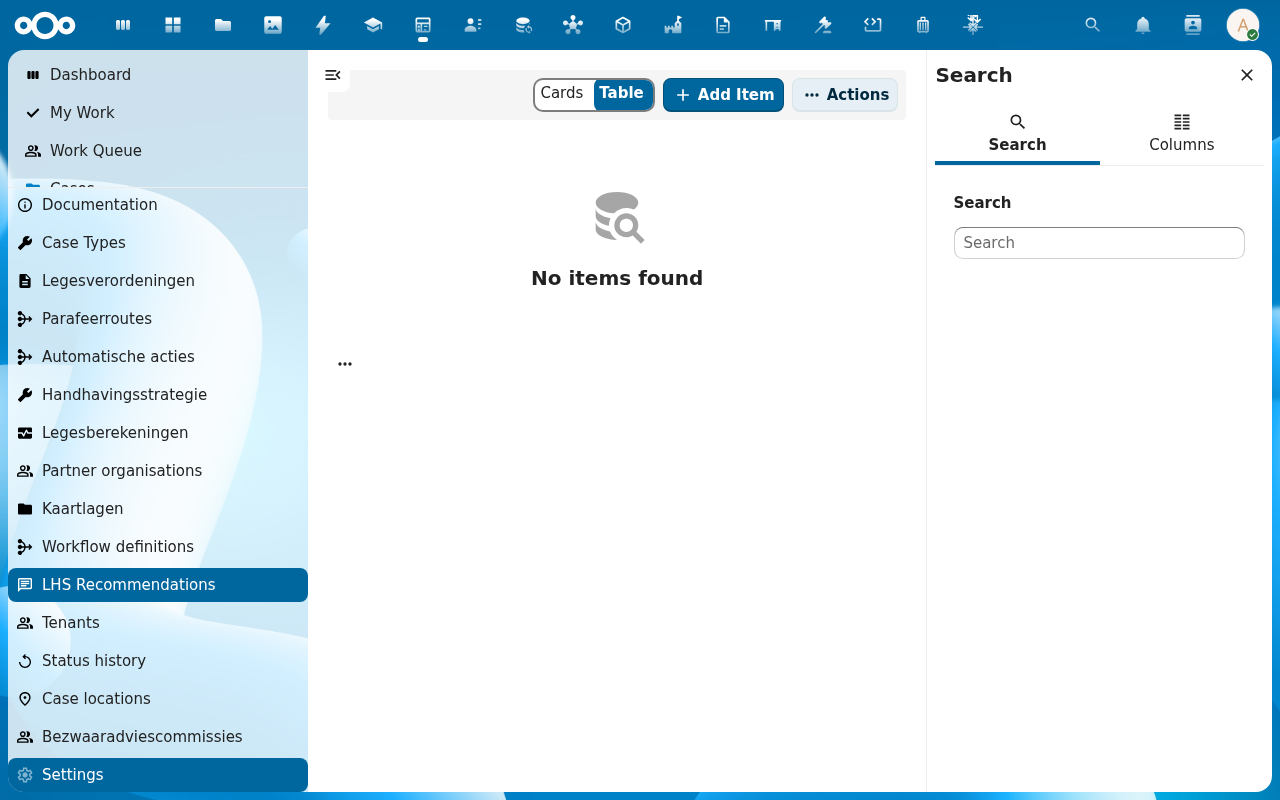
The case's History tab records the inspection, the recommendation, and the final sanction (with motivation if overridden). The LHS Recommendations list in the navigation collects all recommendations across cases for audit reporting.
Verification
You have run the inspection correctly when: the case History tab shows an Inspection recorded entry, a row appears in LHS Recommendations referencing the case, and the case status reflects either the recommended sanction or your override.
Common issues
| Symptom | Fix |
|---|---|
| Start checklist is missing on the Actions menu | The case-type does not trigger the LHS workflow; an admin checks the case-type configuration. |
| Matrix axes are empty | The LHS matrix is not configured: see Handhavingsstrategie in the navigation. |
| Get recommendation errors out | The matrix has gaps for some axis combinations; an admin completes the matrix or you record the observation outside it with Override. |
Reference
- Case management: how the inspection slots into the case lifecycle.
- Configure case types and workflows: enabling the LHS trigger per case-type.