Record advice or a decision on a case
A decision is the formal outcome of a case: granted, refused, partially granted, withdrawn. Advice is the non-binding recommendation that often precedes it. Both are first-class objects in Procest and live in their own lists.
Goal
By the end you will have added a piece of advice to a case, recorded a formal decision with an outcome (resultaat) and motivation, and seen both reflected on the case detail view.
Prerequisites
- Completed Open and read a case.
- A case at a status that allows advice or a decision (the case-type configuration controls this).
- The Advice / Decision schemas mapped on the register (see Manage Procest settings).
Steps
-
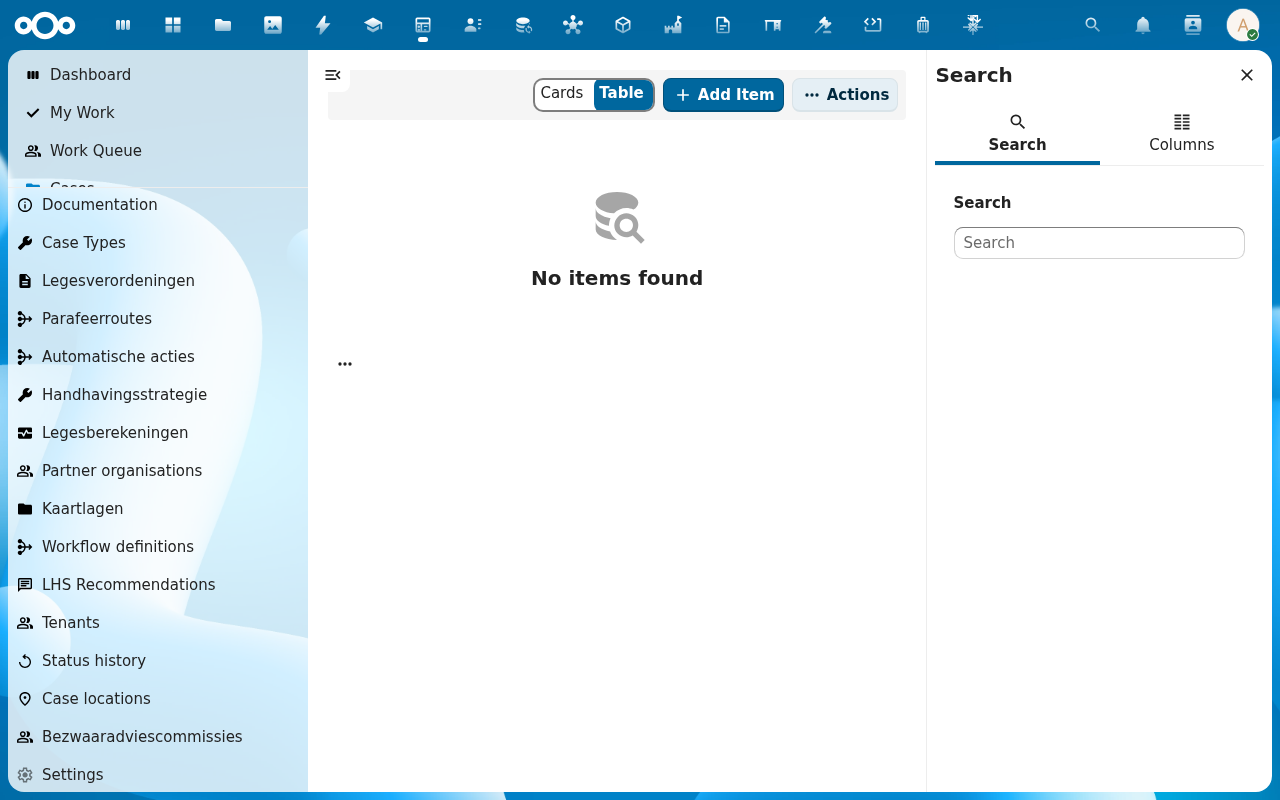
Open the case detail view. From the sidebar (or the Actions menu on the header) pick Add advice. A dialog opens with fields for Advisor, Date, Recommendation, and Motivation.
-
Fill the advice fields, then click Save. The advice now appears in the case's Advice list and in the standalone Advice view in the navigation.
-
Back on the case header, click Record decision (or pick Beslissing from the Actions menu). The decision dialog opens with Outcome (resultaat), Motivation, Decision date, and Decision-maker.
-
Pick the outcome: typically one of Granted, Refused, Partially granted, Withdrawn. The decision-maker role is filled from the case's participants; override it if needed. Click Save.
-
The header now shows the decision outcome alongside the status. The case usually transitions to a terminal status (e.g. Afgerond) and the History tab records both the advice and the decision.
Verification
You have recorded the decision correctly when: the case header shows the new outcome badge, the History tab lists Decision recorded with the outcome and motivation, and the standalone Bezwaar decisions (or Decisions) list contains the new row.
Common issues
| Symptom | Fix |
|---|---|
| Add advice / Record decision is missing from the Actions menu | The current status does not permit it; transition the case to an "advisory" or "decision-ready" status first (see Move a case through its workflow). |
| Dialog opens but fields are empty / unmapped | The Advice or Decision schema is not mapped: re-import the register configuration (see Manage Procest settings). |
| Outcome dropdown is empty | The Result schema has no seed values; an admin populates them via the Result schema in OpenRegister. |
Reference
- Besluitvorming workflow: the advisory-to-decision pattern.
- Configure case types and workflows: controlling when advice / decisions are permitted.